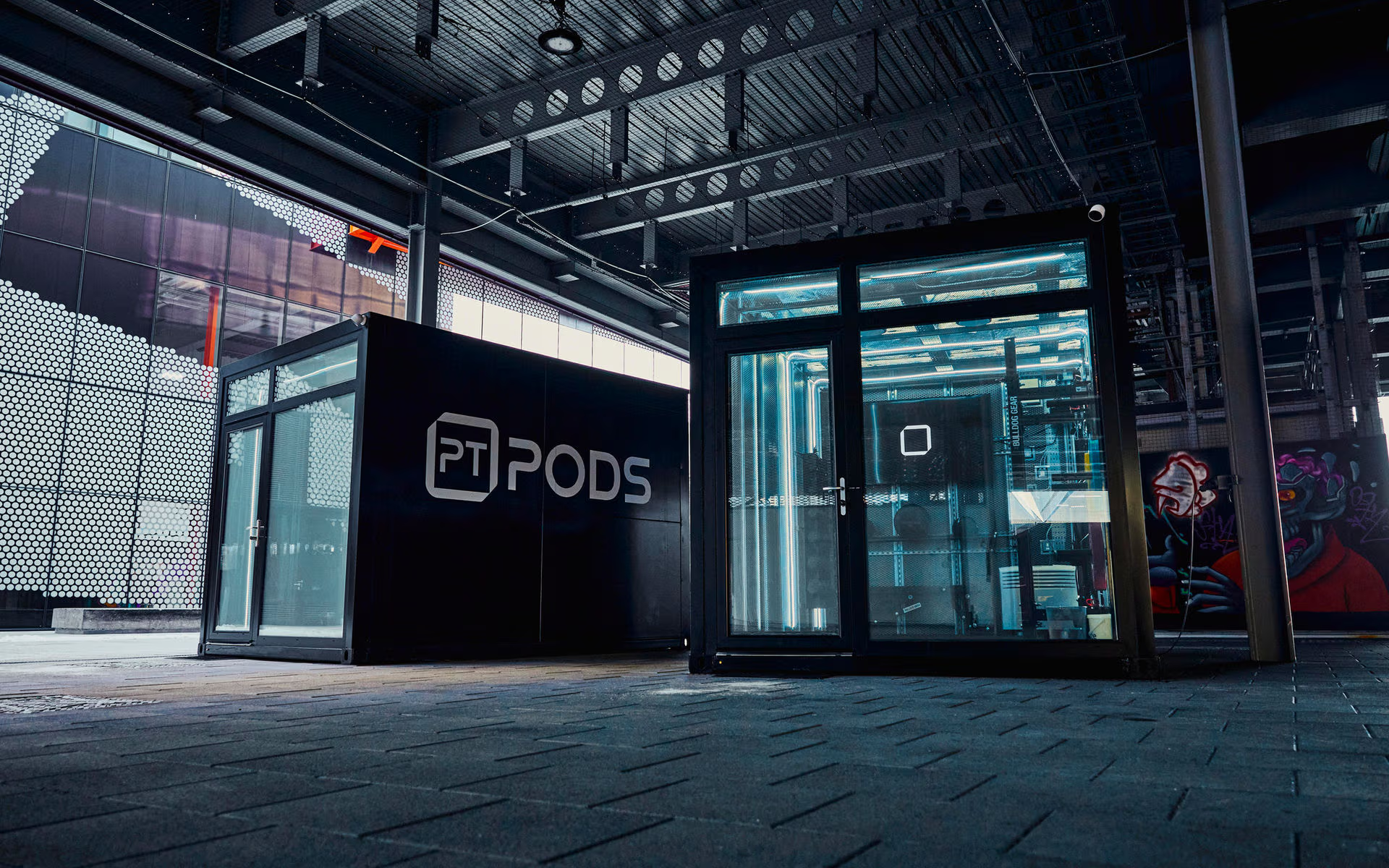
Partner Programme
Bring PT Pods
to your gym.
Guided workouts on a big screen, a booking system your members love, virtual PT sessions, and a dashboard to manage it all.
Guided workouts on a big screen, a booking system your members love, virtual PT sessions, and a dashboard to manage it all.
PT Pods is a platform that turns any gym space into a guided workout station. A TV connected to a PC plays professional workout videos while your members follow along. They book sessions through the PT Pods app, and you manage everything from your own dashboard.
Add a webcam and your members can also book live one-to-one sessions with a real personal trainer, streamed directly to the TV — no extra staff needed on your end.
We already run PT Pods in our own locations across the UK. Now we're opening the platform so gym owners can offer the same experience to their members.
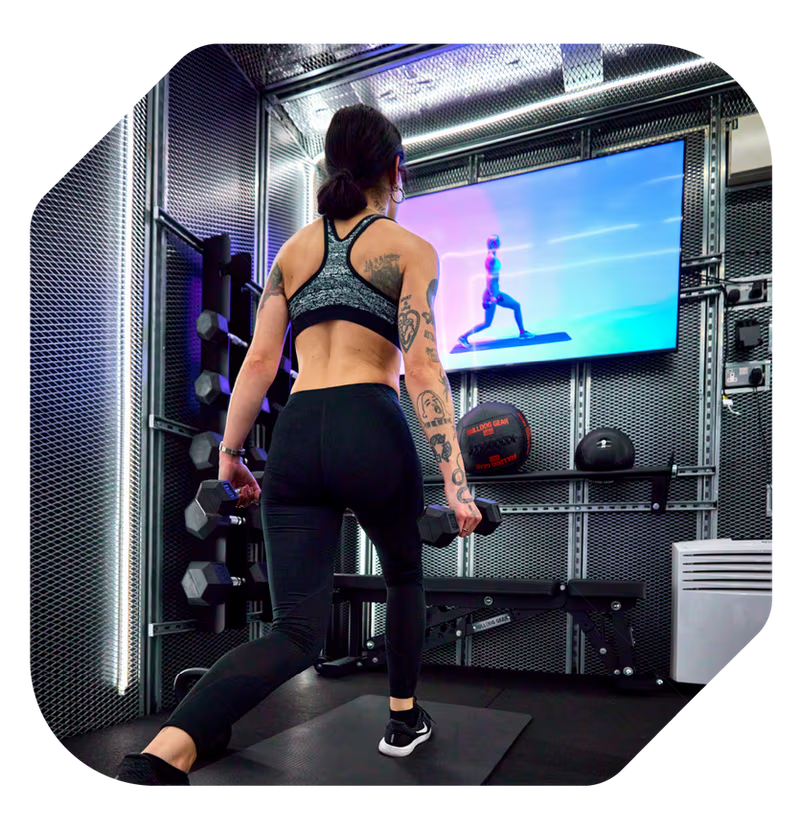
Everything you need to run guided workout sessions at your gym, out of the box.
A growing catalogue of guided workout videos covering HIIT, strength, yoga, and more. Streamed directly to your TV.
Your location appears in the PT Pods app. Members find you, pick a time slot, choose a workout, and book — all from their phone.
Your own login to manage time slots, view bookings, see who's using your pod, schedule videos, and track usage analytics.
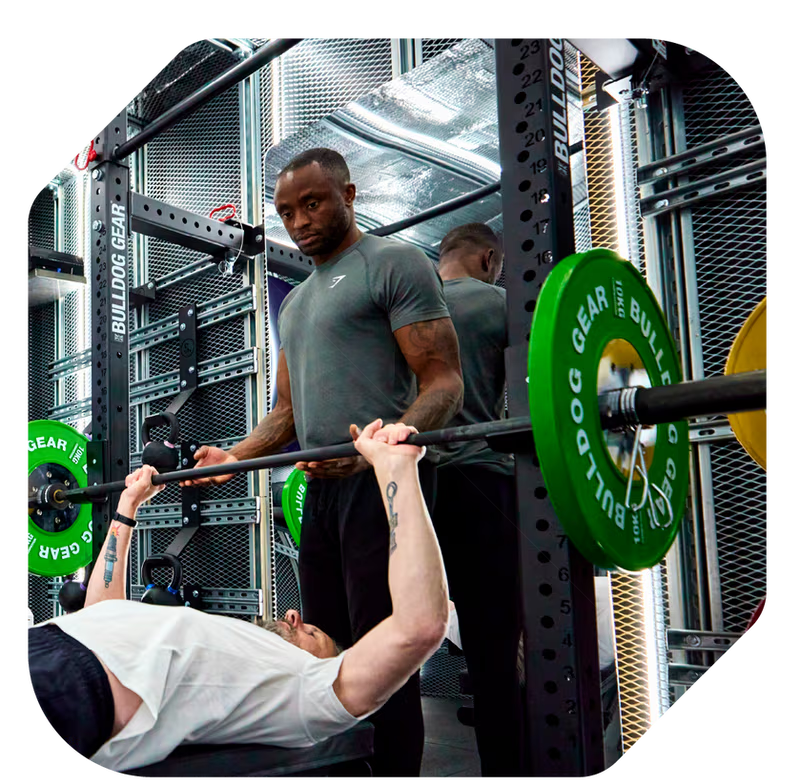
With a webcam connected, your members can book live one-to-one sessions with a real personal trainer streamed to the TV.
New videos, features, and improvements are pushed to your setup automatically. No manual updates or maintenance needed.
See your pod's screen and webcam feed from your dashboard. Check everything is running smoothly without being on-site.
Add a Tapkey smart lock and your members unlock the door via Bluetooth straight from the PT Pods app. No keys, no fobs.
List your gym for anyone to find on the app, or keep it invite-only — visible just to your employees or specific members.
Send targeted messages straight to your members' phones. Promote new classes, share updates, or fill empty slots.
Already trusted by leading partners across the UK








Sessions completed
Workout videos
Partner locations
Average rating
"PT Pods completely changed how we offer fitness to our tenants. The booking system is seamless, the video quality is brilliant, and we didn't need to hire extra staff. It basically runs itself."
Sarah Mitchell
Operations Manager, Praxis
"We were looking for something to set our gym apart. PT Pods gave us a premium offering without the overhead of hiring more personal trainers. Members love it — bookings filled up in the first week."
James Carter
Gym Owner, East London Fitness
Get set up in four simple steps. We handle the software — you provide the space.
Register your interest and tell us about your gym. We'll walk you through the setup.
Connect a computer to a TV in your gym. Add a webcam if you want virtual PT. That's the hardware done.
Download and run the PT Pods video player. Enter your gym name in the setup wizard and you're connected.
Your gym appears in the app. Members start booking. You manage it all from your dashboard.
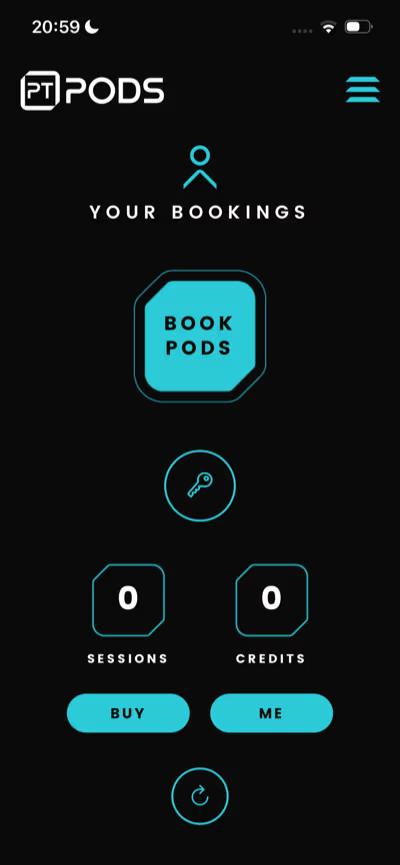
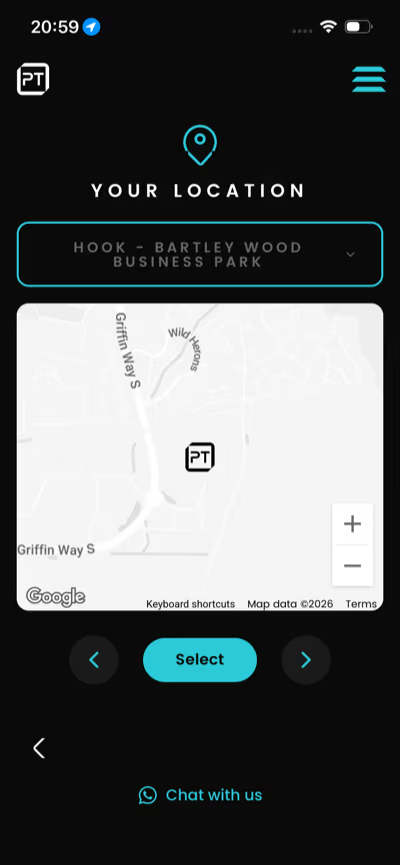
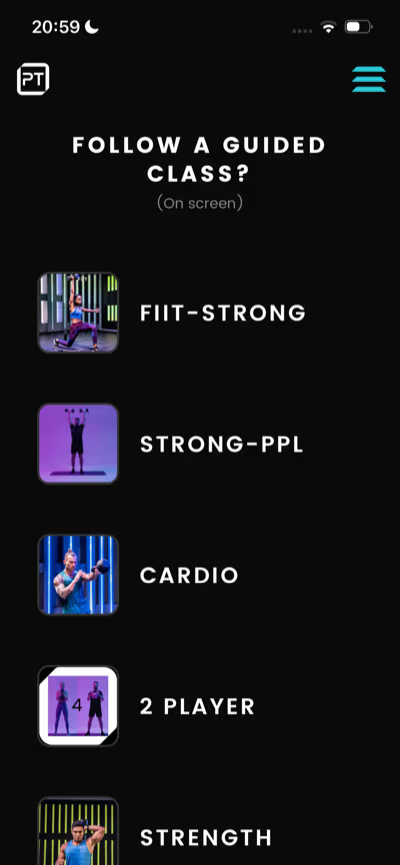
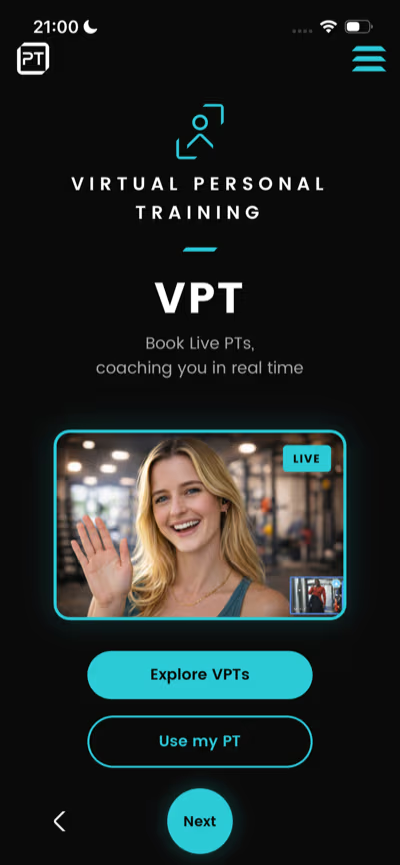
Your gym shows up on the PT Pods app map. Members pick a time, choose a guided workout or free-train, and they're booked in. No reception desk, no paper sign-up sheets.
You get your own login to the PT Pods management dashboard. See exactly what's happening at your gym without being there.
Create and manage your available time slots. Set your own schedule.
See who's booked, view your calendar, and understand your usage patterns.
View the pod's screen and webcam feed remotely. Check everything's running without going on-site.
Track session counts, popular times, and member engagement at your location.
Just now
New HIIT class added!
A new 30-min HIIT session just dropped. Book your slot before they fill up.
2 hours ago
Slots available this evening
3 open slots tonight from 6pm. Tap to book.
Yesterday
You hit a 5-session streak!
Keep it going — your next session is booked for tomorrow.
Reach your members directly on their phones. Promote new classes, fill last-minute slots, share updates, or nudge inactive users back into the gym — all from your dashboard.
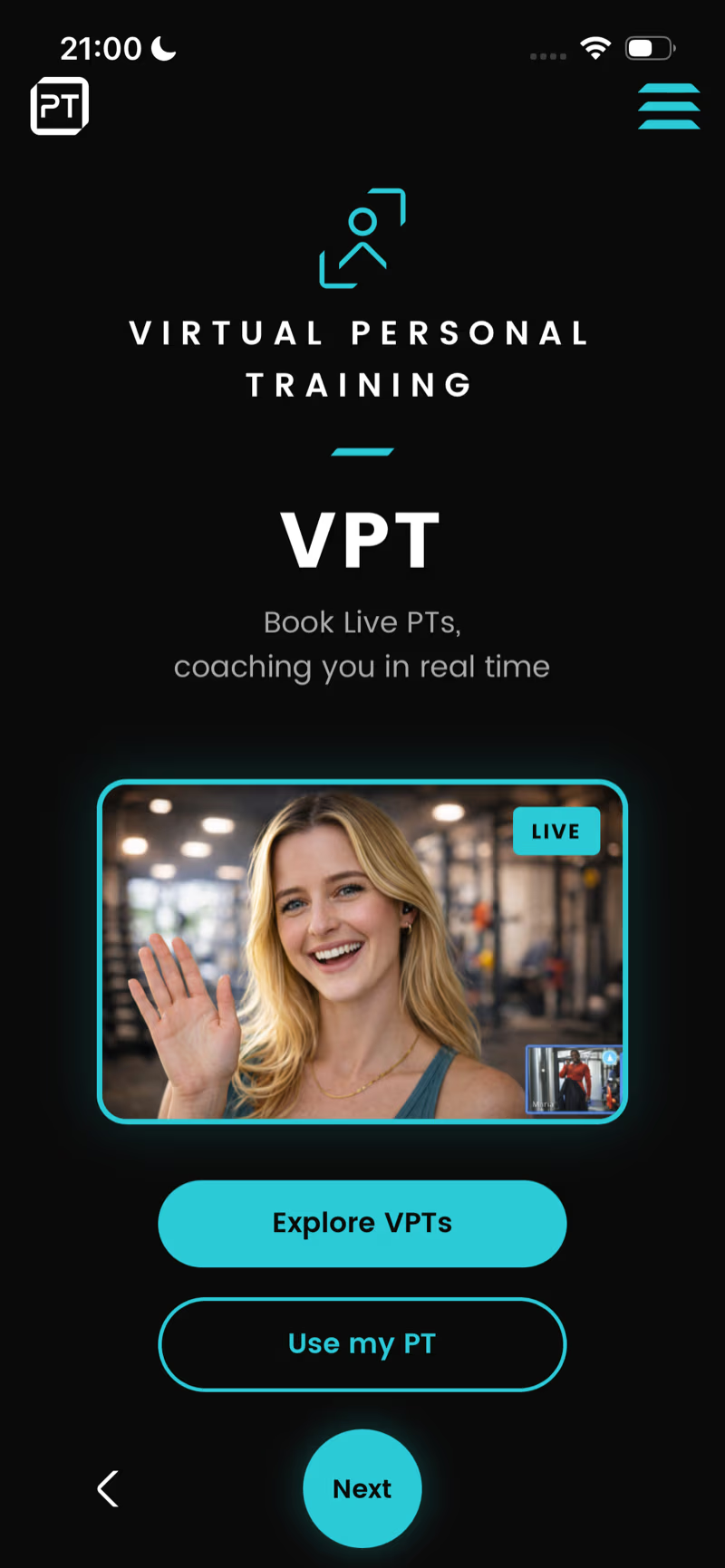
With a webcam connected, your members can book live one-to-one sessions with a qualified personal trainer. The PT sees the member through the webcam, coaches them in real time, and the session streams straight to the TV — just like having a PT in the room.
Choose who can see and book your gym. Switch any time from your dashboard.
Your gym appears on the PT Pods app map for anyone to discover. Great for commercial gyms looking to attract new members and fill sessions.
Your gym is hidden from the map. Only people you invite — employees, residents, or specific members — can see and book sessions.
Add a Tapkey smart lock to your gym door and your members can unlock it straight from the PT Pods app using Bluetooth. No keys, no fobs, no reception desk — they book a session and the app lets them in.
Tapkey Smart Lock
Bluetooth-enabled cylinder lock
Minimal hardware, minimal setup. Here's what's required to get your pod running.
Any Mac or Windows computer with an internet connection. We recommend a Mac Mini (M1 or later) or equivalent.
Connected to the PC via HDMI. The bigger the better — your members follow along with the video.
Required for virtual PT sessions and remote monitoring. Any USB webcam with a mic will work.
A Tapkey Bluetooth cylinder lock for your gym door. Members unlock via the app — no keys needed.
That's it. No specialist equipment, no construction, no proprietary hardware.
We're finalising pricing for the partner programme. Register your interest and we'll be in touch to discuss options that work for your gym.
No. The partner programme is designed for existing gym spaces. You use your own equipment and room — we provide the software, video content, booking system, and dashboard.
Any Mac or Windows computer with a stable internet connection. We recommend a Mac Mini (M1 or later) or an equivalent Windows machine for the smoothest experience. A basic desktop or mini-PC works too.
Yes. Each PC + TV setup runs as its own pod. You can have as many as you like at a single location, each with their own booking slots.
They download the PT Pods app (iOS or Android), find your gym on the map, and book a session. The video plays automatically on the TV at their booked time.
We're exploring this. Initially you'll have access to our full video library. Custom content is something we'd love to discuss with partners.
It's an optional Bluetooth cylinder lock you can add to your gym door. Once installed, your members unlock the door straight from the PT Pods app — no keys, no fobs, no reception desk. Access is only granted during their booked session time.
Yes. You can set your gym to invite-only so it's hidden from the public app map. Only people you invite — such as employees, building residents, or specific members — will be able to see and book sessions. You can switch between open and invite-only at any time from your dashboard.
We'll guide you through the entire process. The software has a setup wizard, and our team is available to help with any questions.
Tell us about your gym and we'll be in touch to discuss how the PT Pods Partner Programme could work for you.
We'll be in touch soon to discuss how PT Pods could work for your gym.